Karoo and Hammerhead With N+One: Pushing Structured Workouts Without Strava in the Middle
5 min read

Run structured workouts on Karoo or Hammerhead without Strava in the middle: pair sensors, load FIT or TCX files, save locally, and upload to N+One.
On this page
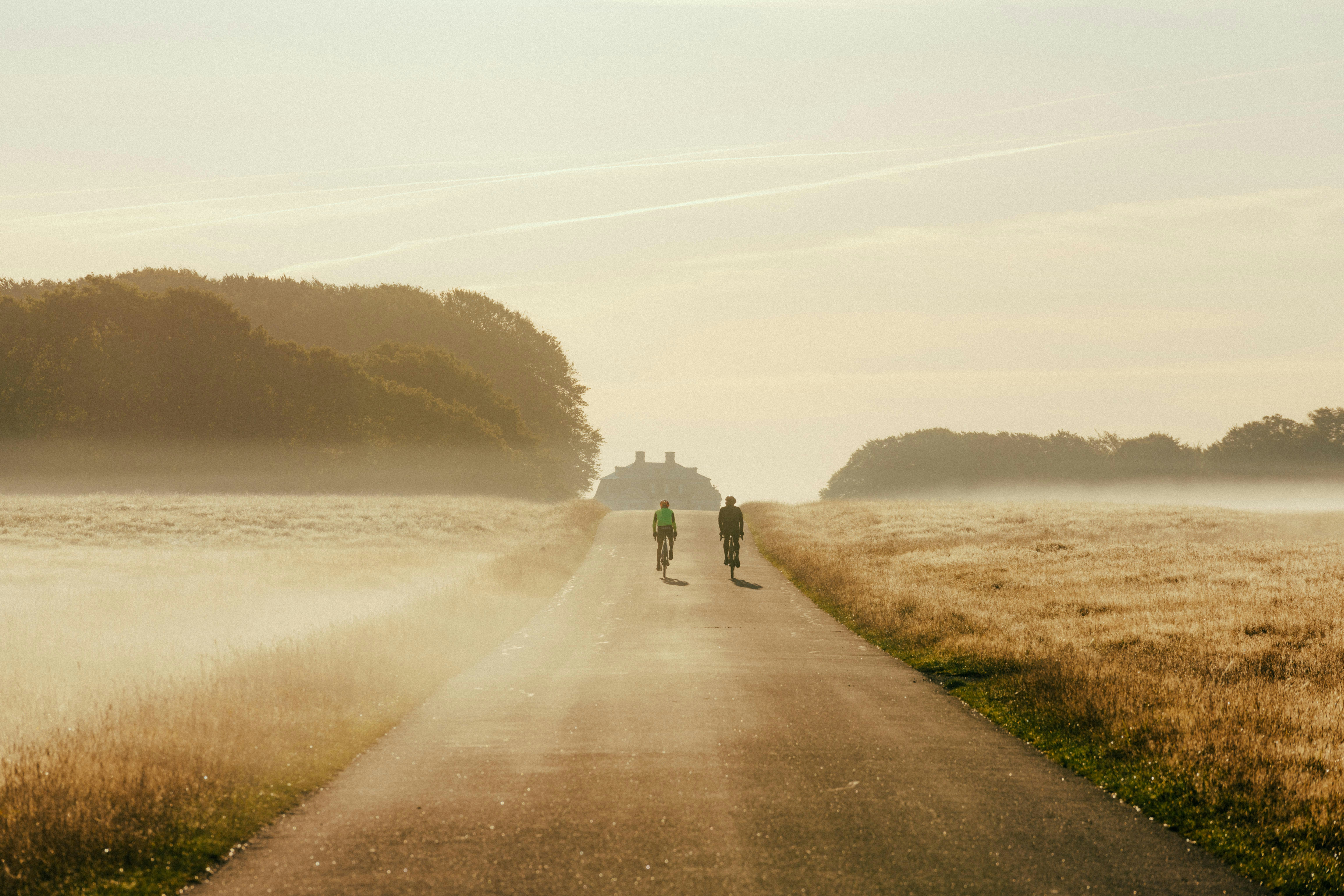
Photo by Andreas Rasmussen on Unsplash.
One clear next move: run the workout on your head unit, then upload the saved FIT file to N+One for analysis.
You do not need Strava as the live middle layer for every structured ride. With Karoo or Hammerhead, the clean setup is simple: load the session, pair sensors to the head unit, ride the work, save the file, then send that file to N+One for review and next-step coaching.

Photo by Domenico Adornato on Unsplash.
Karoo and Hammerhead units are built to host rides on the bars, not just mirror a phone. For structured work, that means the key question is whether the workout cues live on the device.
A good head unit should show the next interval, target range, lap state, and live sensor data. It should also keep recording if a phone app or cloud path drops during the ride.
Most riders should treat Strava as a later sharing layer, not the mid-ride source of truth. For broader setup paths, see N+One’s guide to supported ride integrations before you choose a sync flow.
Run the workout from the head unit when possible.
Use FIT or TCX for structured workout transfer.
Pair sensors to the device before the ride.
Check that interval cues show before you roll.
In N+One terms: pick the device that keeps your sessions intact when Strava or a phone drops out.
Pick the device path that keeps your intervals intact when Strava or a phone link drops out.
Reliability starts before the first interval. Pair your power meter, cadence sensor, and heart rate monitor straight to the head unit, because the device needs live data to show targets.
If your power data has gaps, solve the sensor path first. N+One’s walkthrough on pairing a power meter can help you think through ANT+ and Bluetooth tradeoffs.
Use a local workout library when the device supports it. If a direct send path is not open, export FIT or TCX from your training tool and import the file to the head unit.
Keep auto-pause and power smoothing plain and steady. Very sharp settings can make a short stop or signal swing look like a broken interval.
Pair power, cadence, and HR before loading the workout.
Put the workout file on the device itself.
Start from workout mode, not a phone-only view.
Use conservative auto-pause and smoothing settings.
In N+One terms: treat the head unit as the primary session host, not the phone in your pocket.
Treat the head unit as the primary session host, not the phone in your pocket.
Use standard workout files (FIT/TCX) or send structured rides from N+One to the head unit when supported.
Data analysis is free, forever. The Dynamic Coach is Pro. Connected to Garmin, Strava, Whoop, and intervals.icu.
When cueing stops mid-ride, do not spend the interval hunting through menus. First, glance at the head unit and confirm whether sensors still show as connected.
If the workout screen has failed but the device records, switch to a simple timer or manual lap. The goal is to keep the work shape close enough for useful review later.
If power or heart rate drops from the screen, ride the set by perceived effort and save the file anyway. N+One can still use the completed ride context, even when the workout prompts were not perfect.
After the ride, compare the failed session with a clean one rather than guessing from memory. The side-by-side workout view is useful when you need to spot where the file changed.
Check sensor connection on the head unit first.
Use a manual lap if workout prompts stop.
Hold the target effort instead of stopping early.
Save the ride file before changing settings.
When tech fails, preserve the training signal: hold effort, save the file, and troubleshoot after the ride.
One tactical email with training ideas and product updates. No spam — unsubscribe anytime.
Keep reading
- Importing 12 Months of Strava History Into N+One: What the Coach Actually Uses — Learn how to export 12 months of Strava history, import it into N+One, and verify the ride data the coach actually uses.
- How N+One’s AI Cycling Coach Works — A Deep Dive — Discover how N+One’s AI cycling coach delivers personalized training plans and adaptive coaching. Learn how real-time data (power, HRV, sleep), CTL/A...
At ride end, the most important action is saving the session on the head unit. That file is the record you will use for review, coaching context, and future training choices.
A local FIT file gives you a fallback when cloud sync is blocked or delayed. You can transfer it by computer, then upload it to N+One or another training platform later.
This flow also helps when you want Strava only after the work is done. If you do use Strava later, verify the key fields with N+One’s guide to checking imported power data.
Riders coming from other planning tools may still use export and import during the changeover. The migration checklist for cyclists gives a clean way to keep files and history in order.
Save the ride before ending the device session.
Export the FIT file if cloud sync fails.
Upload the file to N+One after the ride.
Check intervals before you delete local files.
In N+One terms: secure the file first, share later—your intervals survive either way.
Secure the file first, share later; your intervals survive either way.
Use the same simple rule for the week: keep the work clear and reduce tech risk. Run two controlled sessions on-device, then ride one longer aerobic day without structured prompts.
If recent intervals were missed because of tech issues, keep intensity but trim total interval volume for seven days. That protects the main training signal while you fix the system around it.
When the next key session records cleanly, bring planned volume back in. N+One can then read the saved workout file and update the next choice from current ride context.
If you want a broader view of how daily rides fit the week, review how N+One builds weekly plans. For new users, start with setting up your N+One account before you change device flows.
Run two controlled sessions from the head unit.
Keep one long ride free of interval cues.
Trim interval volume briefly after failed workouts.
Reassess after the next clean key session.
Maintain intensity, reduce volume briefly, then restore the system once recording is reliable.
Day 1 — Configure and test: Pair all sensors directly to the head unit. Upload a short test FIT workout to the device, complete it, then confirm lap markers and power or HR traces save locally.
Day 2 — Sub-threshold session on-device: Ride a controlled sub-threshold set from the head unit. Save the file at the end and verify that the interval laps appear.
Day 3 — Active recovery ride: Ride easy with free cadence and no structured cues. Keep effort conversational, then check that the device still records and saves the file.
Day 4 — Short hard intervals on-device: Start the interval workout from the device. If cues fail, switch to a simple timer and finish by effort or power range.
Day 5 — Long aerobic ride: Ride steady endurance without relying on interval files. Focus on pacing, keep the device recording, and save the local file at ride end.
Day 6 — Transfer and verify: Connect the head unit to a computer or use local sync. Upload the FIT files to N+One and confirm intervals read correctly.
Day 7 — Reassess and decide: Run your next key session. If cueing and data were reliable, resume normal volume; if not, repeat the setup protocol and trim workout volume while troubleshooting.
One clear next move: make Karoo or Hammerhead the session host, save the FIT file, then upload it to N+One for analysis. Strava can still be part of your sharing flow, but it does not need to sit in the middle of the workout.
No. The cleaner flow is to record the ride on the head unit, save the file, then upload or sync that file to N+One after the ride.
Keep riding the planned effort and switch to a simple timer or manual laps. Save the file first, then troubleshoot the workout import or sensor pairing after the ride.
Use whichever format your head unit and training tool support cleanly. FIT is common for completed ride files, while FIT or TCX may be used for workout transfer depending on the device path.
Yes. Save and review the file first, then share later if you want. That keeps the training record safe before any social or cloud-sharing step.