Install
Install N+One on your phone.
App-like access, no store required.
Safari on iPhone (iOS)
You can use any browser like Safari or Chrome to install; in-app browsers (e.g. from Twitter or Instagram) won’t show the option.
- 1
Open N+One in any browser
Go to www.nplusone.app in any browser (or tap the browser icon in the share sheet if you’re in an in-app browser).
- 2
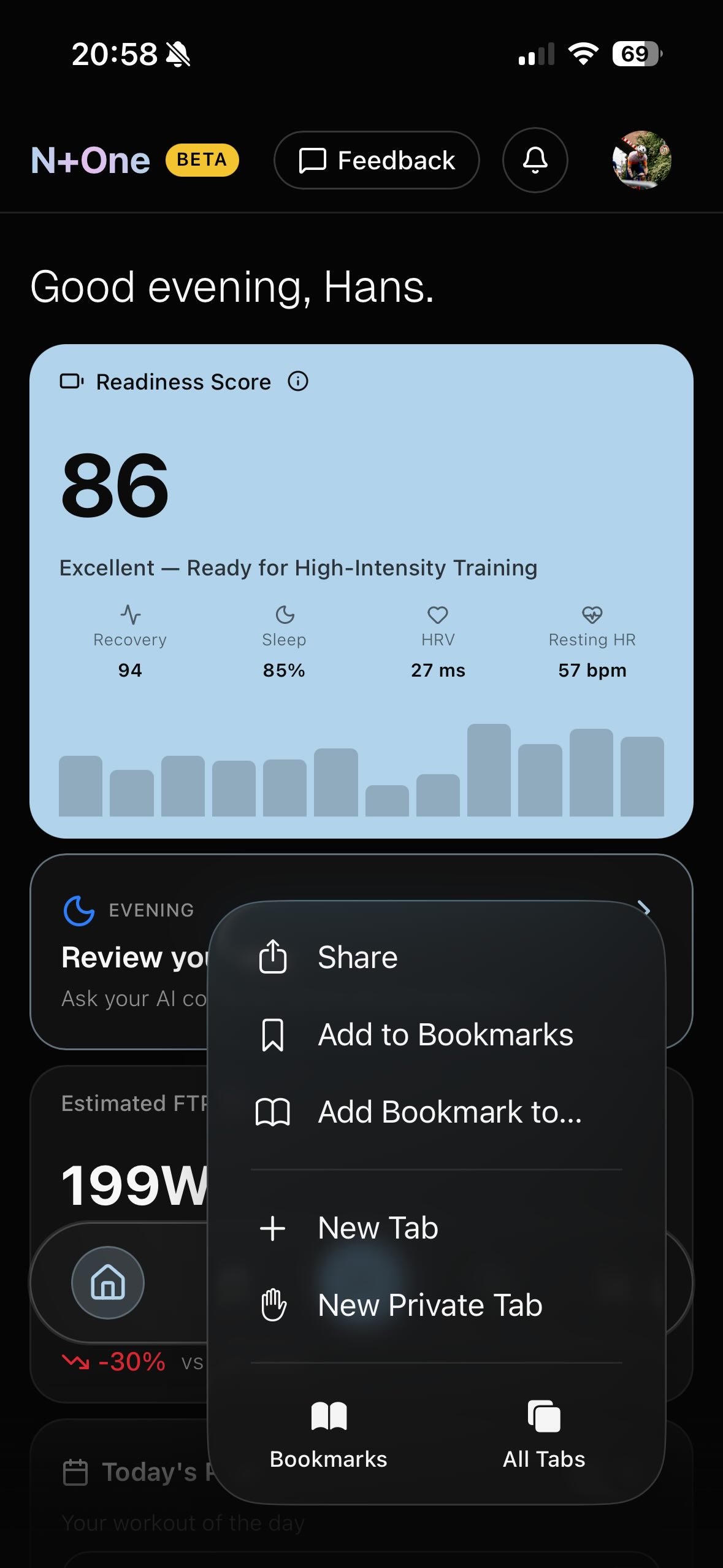
Tap the Share or three-dot menu button
Tap the Share icon (square with an arrow pointing up) or three-dot menu button at the top or bottom of the screen.
- 3
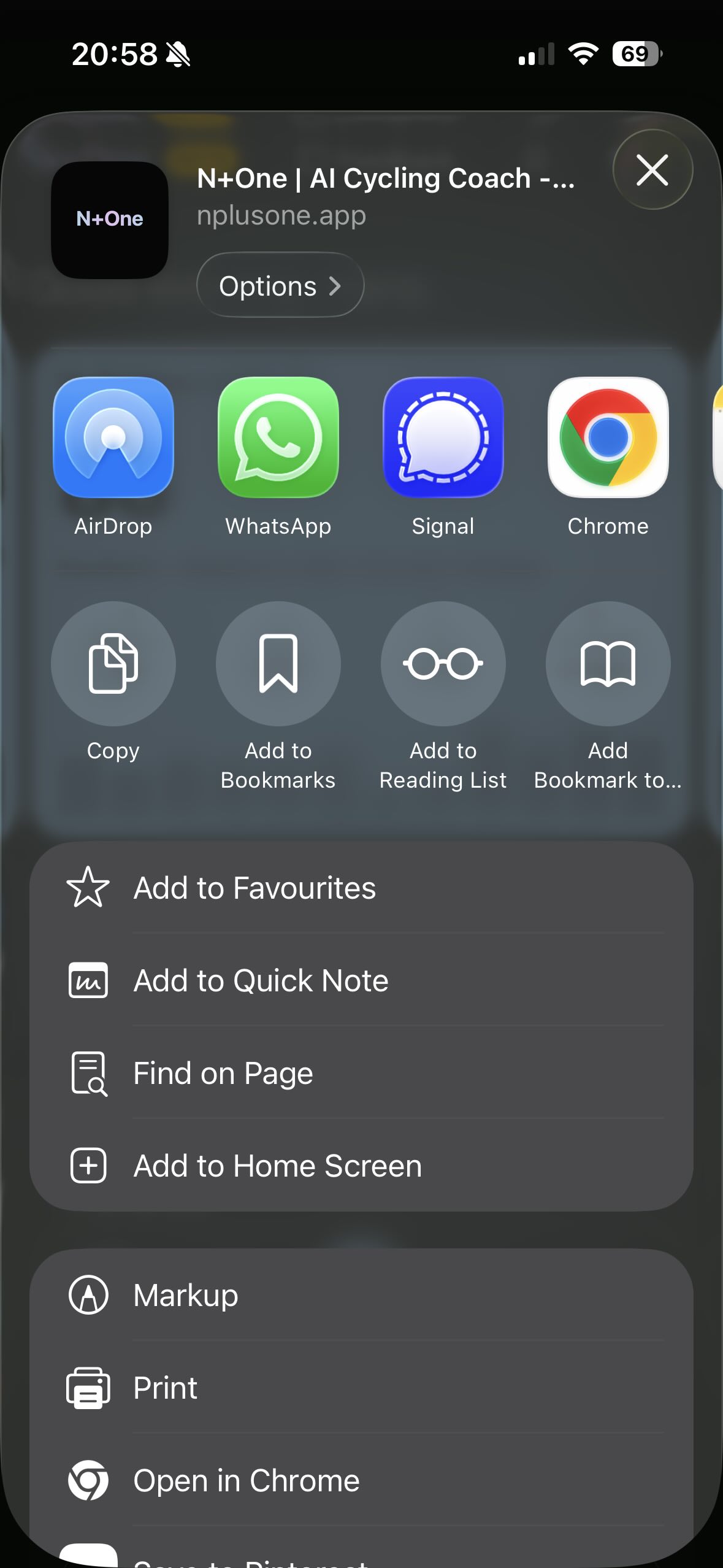
Choose “Add to Home Screen”
Scroll down in the share sheet and tap Add to Home Screen.
- 4
Confirm
Tap Add in the top right. N+One will appear on your home screen like a native app.
Chrome on Android
Open N+One in Chrome; the install option may not appear in other browsers.
- 1
Open N+One in Chrome
Go to www.nplusone.app in the Chrome app.
- 2
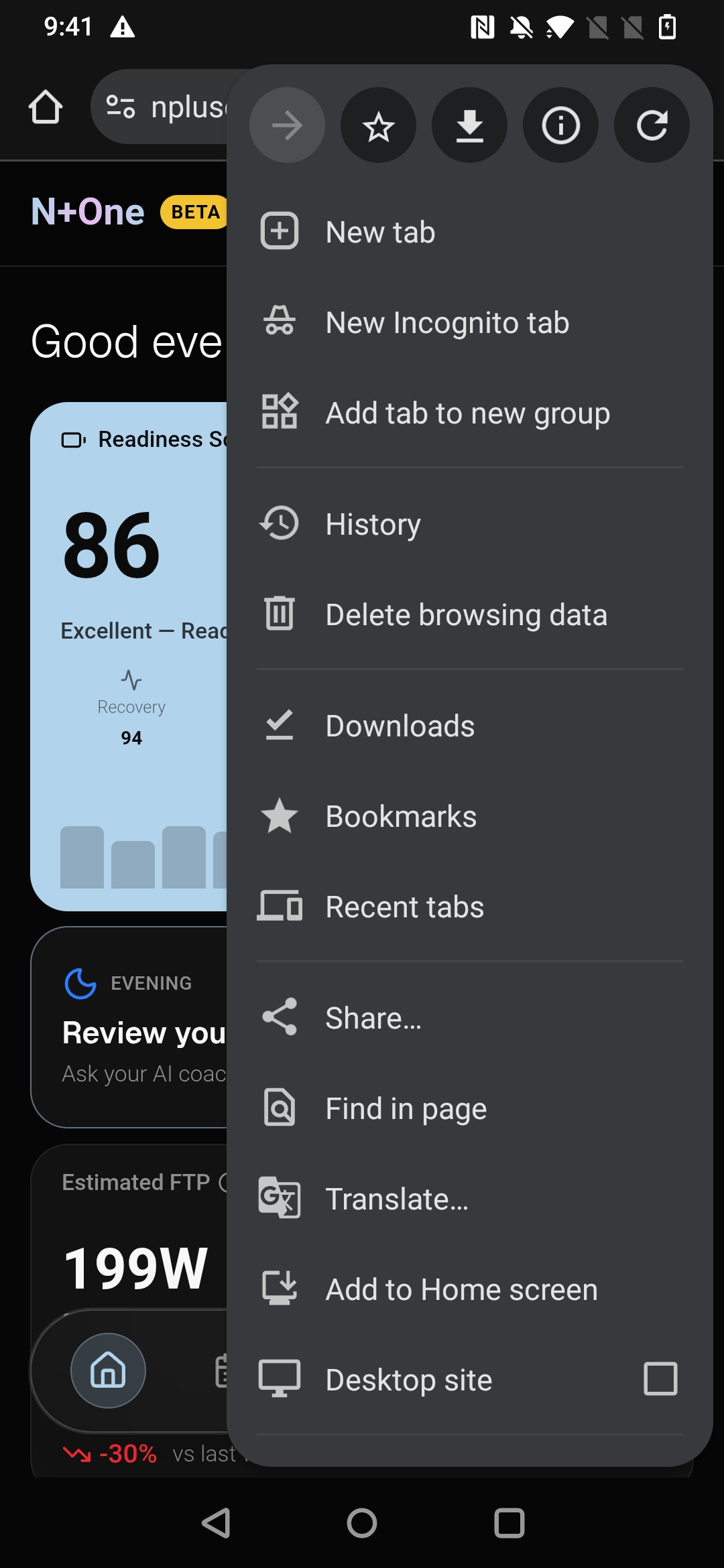
Open the menu
Tap the three-dot menu button in the top right corner.
- 3
Tap “Install app” or “Add to Home screen”
In the menu, tap Install app or Add to Home screen (wording can vary by Android and Chrome version).
- 4
Confirm
Tap Install in the prompt. N+One will be added to your app drawer and optionally to your home screen.