Importing 12 Months of Strava History Into N+One: What the Coach Actually Uses
5 min read

Learn how to export 12 months of Strava history, import it into N+One, and verify the ride data the coach actually uses.
On this page
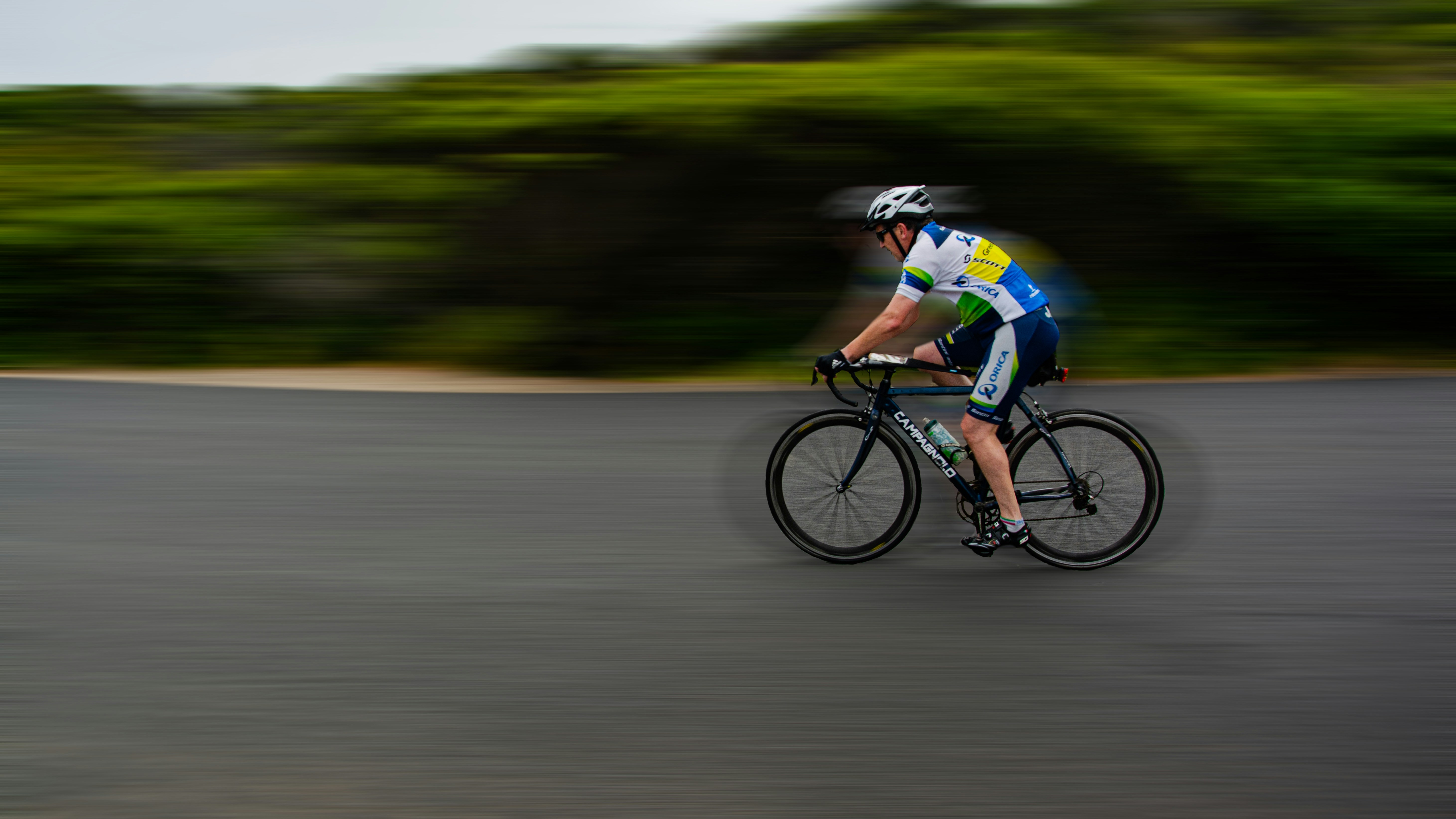
Photo by Deepak Choudhary on Unsplash.
No PubMed-indexed sources were found on this exact import topic. Use this practical protocol to export Strava, import to N+One, and verify the coach signal.
This guide is operational, not medical. The supplied PubMed search did not return literature on this exact N+One import workflow, so claims stay limited to file handling, review steps, and coach-facing data hygiene.

Photo by Rokas Niparas on Unsplash.
Importing a year of Strava history gives N+One a cleaner view of your recent riding pattern. It helps the coach place new rides beside older ones, rather than reading each file on its own.
Your next move is simple: export the past twelve months from Strava, keep the ride files together, then open N+One. If you are new to the platform, start with setting up your N+One account before you upload files.
The useful inputs are timestamps, ride files, and activity metadata. N+One does not need Strava social data, such as kudos, comments, or segment chatter, to guide the import review.
Export the most recent twelve months before opening N+One.
Keep ride files in one folder with clear date names.
Expect activity files and metadata to matter most.
Do not rely on social data for coach review.
Clean history helps N+One turn your latest training context into one clear next decision.
Give the coach clean ride files and consistent timestamps, and it will use the signal, not the noise.

The coach first needs time: when the ride happened, how long it lasted, and where it sits in your week. Without sound timestamps, even good ride files can land in the wrong training story.
Distance, route, elevation, cadence, heart rate, and power can each add context when they are present. The coach treats device-recorded fields as inputs to review, not as proof of a medical or physiological state.
Power files, when recorded by your device, often give the clearest ride-by-ride workload signal for cycling review. For a deeper import check, use the guide to verify activity power data after this upload.
Check that each ride has a date and start time.
Keep FIT files when your device provides them.
Use TCX or GPX when FIT is not available.
Review power and heart rate fields after import.
Treat routes and elevation as context.
The cleaner the signal, the less you need to second-guess the coach output.
Power, heart rate, timestamps, route, and elevation form the signal layer; social feedback stays outside the coach read.
No PubMed‑indexed sources were found on this exact topic, so I cannot make literature‑backed physiology claims from those sources.
Data analysis is free, forever. The Dynamic Coach is Pro. Connected to Garmin, Strava, Whoop, and intervals.icu.
Before exporting, set your target window to the most recent twelve months. This keeps the file set focused, which makes upload checks faster and easier to trace.
Place the exported ride files in one folder and name them by date when possible. A clear file name helps you spot missing rides, duplicated rides, or rides that came from the wrong device.
If you are moving from another system as well, use this alongside the cycling app migration checklist. The aim is not to move every old note; it is to move the data N+One can read cleanly.
Select the most recent twelve-month window.
Put all exported rides in one folder.
Name files with dates when you can.
Prefer FIT files if Strava provides them.
Keep a backup of the export.
Open N+One, go to Data Import, and choose the file import option. Select the folder that holds your consolidated Strava export, then follow the mapping prompts.
When prompted, check timestamps, power, heart rate, and ride duration before you process the full set. This is the point where small mapping errors are easiest to catch.
After the import, spot-check a few recent rides against Strava or your device history. Then use the N+One dashboard scan to see whether the main summary looks sane before you train from it.
Open Data Import in N+One.
Choose Import from files.
Select the consolidated export folder.
Confirm field mapping when prompted.
Spot-check recent rides after processing.
A short check now protects the next coach decision from bad file data.
Validate the signal on a few rides rather than assuming every field landed correctly.
One tactical email with training ideas and product updates. No spam — unsubscribe anytime.
Keep reading
- Overview: your home dashboard — What the Overview dashboard shows: training summaries, readiness & load context, quick actions, and when the page redirects to onboarding.
- Knowledge base — Help articles — N+One knowledge base explains how to browse category articles, access how-tos, training and troubleshooting, and when to use the public KB vs in-app...
- First login and onboarding — Complete your N+One onboarding: verify email, finish the chat-based profile, connect devices (Strava, Wahoo, WHOOP, Garmin) and get your first adapti...
The most common problems are missing power, wrong timestamps, duplicate files, and mismatched ride duration. These are data quality issues first, so fix the file before you judge the plan.
If power is missing, check whether the original device file contains it. If the device never recorded a field, N+One cannot rebuild that raw stream from the Strava export.
If the same ride appears twice, remove one file and re-import the corrected set. For day-to-day checks after import, reading the Today card helps you catch numbers that look out of place.
Missing power: re-export the device FIT if available.
Wrong time: check file metadata and device settings.
Duplicates: remove one file before re-import.
Odd duration: compare against Strava or device history.
This import is about ride files and activity metadata. It does not require Strava kudos, comments, private messages, or other social interaction data.
Accuracy depends on what your device and Strava export can provide. If a raw field was never recorded, this workflow can mark the gap, but it cannot recover the missing data.
Because the supplied PubMed source did not support claims on this exact topic, this guide avoids clinical interpretation. If you want broader context on how coaching memory is used, see how N+One keeps coach context.
Import ride files and metadata only.
Leave social interactions outside the workflow.
Mark missing fields instead of guessing.
Use clinical sources for health interpretation.
The import gives N+One context, but it does not turn missing device data into measured data.
Day 0 — Import and verify: Import the consolidated twelve-month folder, map power and heart rate fields, then spot-check three recent rides for duration, power, and heart rate. If any ride is wrong, re-export that device file in FIT when available and re-import it.
Day 1 — Lock thresholds: Use recent steady efforts in N+One to set or confirm your working training thresholds. If you lack power, use your best available heart rate context and mark the uncertainty clearly.
Days 2–6 — Train with coach guidance: Follow the coach-prescribed sessions for the week. Watch imported history trends, and flag obvious mismatches in distance, duration, power, or heart rate before the next block.
Day 7 — Reassess and tidy data: Review weekly summaries and trend lines. Remove or re-export problem files, then run a quick re-import so the next training block uses cleaner data.
No PubMed-indexed sources were found on this exact N+One import topic, so keep the claim narrow: export twelve months of Strava ride files, import them into N+One, then verify timestamps, duration, power, and heart rate before trusting the coach view.
No. This workflow focuses on ride files and activity metadata. Social feedback does not help the import verify timestamps, duration, power, or heart rate.
Keep the rides, but mark the gap during review. If the original device never recorded power, N+One cannot recover that raw field from the export.
This guide uses twelve months to keep the first review focused. If you import more, apply the same checks for timestamps, duplicates, and key ride fields.
No. The supplied PubMed search did not support claims on this exact import topic, so this article stays with practical data handling and coach review steps.