Your First Integration Order: Strava, Garmin, WHOOP — What to Connect First
5 min read

Connect Garmin, Strava, and WHOOP in the right order: primary device first, Strava second, recovery data after the ride stream is clean.
On this page
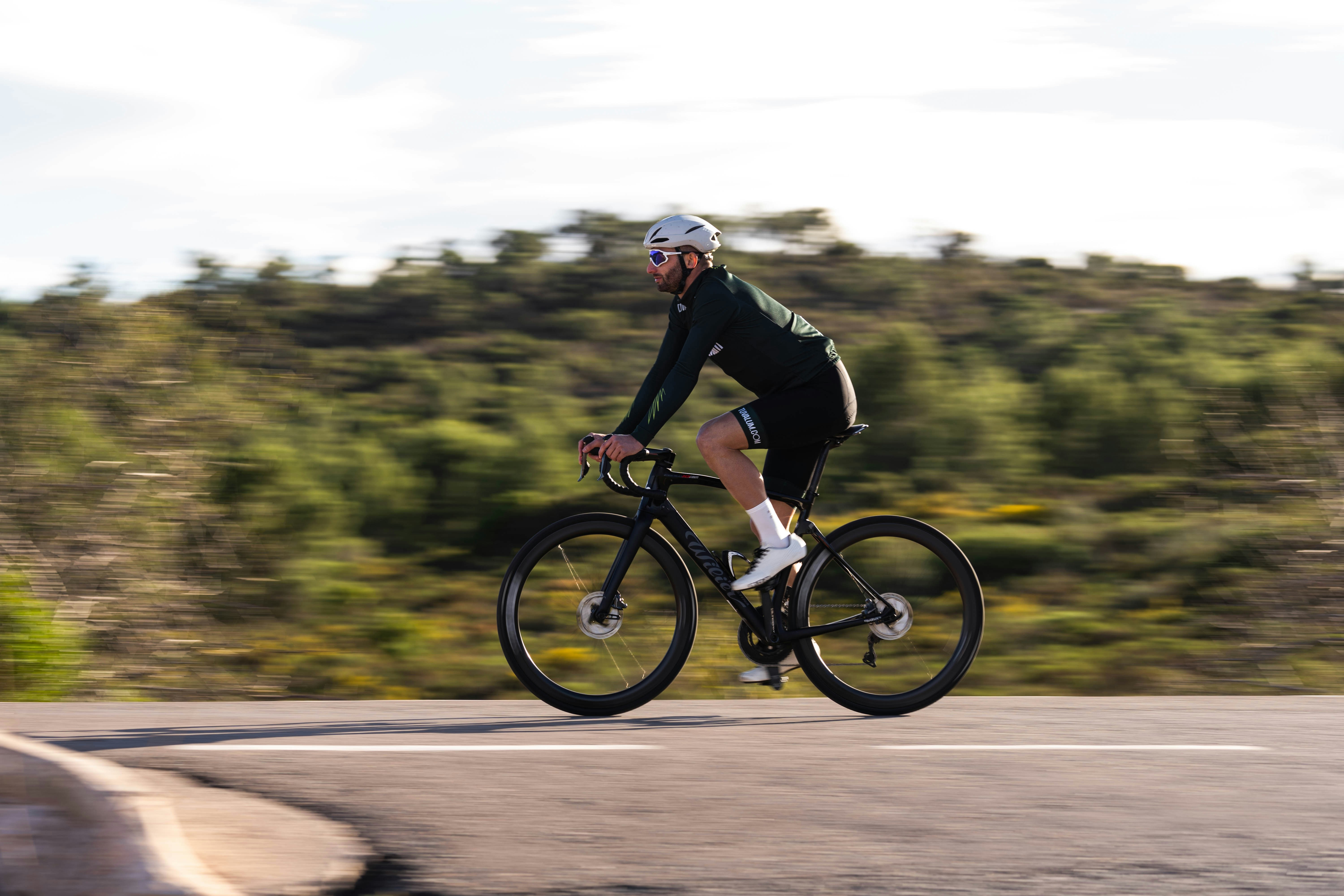
Connect the device that already collects your primary metrics first, then add Strava and recovery data after the ride stream is clean.
The right integration order is not about brand loyalty. It is about keeping the source file clean, then adding context without creating duplicate rides, shifted timestamps, or mixed recovery signals.
Connect your bike computer, watch, or primary wearable first because that device already owns the ride file you trust. For many riders, that means Garmin or another head-unit cloud before any social or recovery layer.
Once that upload is stable, link Strava so rides have a second home and useful social context. If you need help inside N+One, start with your first account setup before adding more feeds.
Add WHOOP after the ride stream works, not before it. Recovery data can help the daily call, but it should sit on top of clean activity files.
Pair your primary device to its vendor cloud first.
Confirm one short ride uploads cleanly.
Link that vendor account to Strava next.
Add WHOOP only if recovery trends will guide training.
This keeps your first decision clear because the main training file arrives before extra context.
In N+One terms: secure the foundational sensor stream, layer ride analysis, then add recovery telemetry.
Photo by Benigno Hoyuela on Unsplash.
Device-first setup protects the original workout file and the timestamps tied to that ride. If a social app becomes the first stop, you may see partial imports or duplicate copies later.
Keep the sensor source as the record of truth for power, cadence, heart rate, laps, and route time. Then let Strava mirror that file, rather than rebuild it from a second source.
If you use N+One, a clean device stream gives the system better raw input before any coach logic runs. For Garmin users, set up automatic ride sync from Garmin before you judge the dashboard.
Make the vendor cloud the primary ride source.
Sync vendor to Strava, not Strava to vendor.
Avoid linking two workout sources at once.
Check one ride for missing traces before moving on.
Choose the source that already holds the metrics you use to make training decisions: GPS/power/HR from Garmin, recovery/strain/HRV from W…
Data analysis is free, forever. The Dynamic Coach is Pro. Connected to Garmin, Strava, Whoop, and intervals.icu.
Before you authorize anything, slow down and read the sharing settings on each service. A clean integration should not mean every ride, route, or health signal becomes public.
Strava visibility can usually be set more tightly than riders expect. Many cyclists share selected activities while keeping home areas, recovery data, and health signals private.
OAuth screens also matter because they show what each app can read or write. When in doubt, give the fewest rights that still let the ride file land where you need it.
Set Strava visibility before the first import.
Keep health metrics private unless you need sharing.
Review which apps can post activities.
Remove old app links you no longer use.
Use one phone or web session, and do not add every platform at once. The goal is to prove each link before the next one can muddy the file path.
First, confirm your ride appears in Garmin Connect, Wahoo Cloud, or the vendor system you use. Then connect that vendor to Strava and check that one recent ride shows power, heart rate, and cadence if you record them.
After that, connect WHOOP only if its strain, sleep, or recovery view will change tomorrow’s training call. If you are bringing in older rides, use a clean Strava history import after the live stream works.
Confirm device auto-sync with one short ride.
Authorize the vendor inside Strava settings.
Open the imported ride and scan key traces.
Add WHOOP after ride files stay stable.
This order gives you usable data fast without turning setup into a guessing loop.
In N+One terms: prove the source, mirror the ride, then layer recovery.
One tactical email with training ideas and product updates. No spam — unsubscribe anytime.
Keep reading
- How N+One Tells the Difference Between a Recovery Day and a Rest Day — Learn how N+One separates recovery days from rest days using training intent, load data, and recovery signals, then gives one clear next move.
- First login and onboarding — Complete your N+One onboarding: verify email, finish the chat-based profile, connect devices (Strava, Wahoo, WHOOP, Garmin) and get your first adapti...
- N+One dashboard quick read: 60‑second scan — N+One dashboard quick read: a 60‑second scan to turn metrics into one decisive action and keep progress steady.
You can delay WHOOP if your current training choices come from ride files, power targets, and a coach plan. In that case, a clean device-to-platform path matters more than another recovery feed.
WHOOP becomes more useful when you will act on overnight trends instead of just reading them. If recovery data will not change the ride choice, it can wait.
A good rule is simple: add the tool only when it changes the next decision. For daily guidance, learn which numbers matter before riding so the feed does not become noise.
Skip WHOOP if power files already drive the plan.
Delay recovery feeds while uploads are unstable.
Add WHOOP when its trend changes training load.
Keep one source for each kind of data.
Most sync problems come from stale permissions, duplicate upload paths, or mismatched clocks. Start by changing the last thing you added, not the whole setup.
If rides fail to appear, disconnect and reconnect the vendor app in Strava to refresh permission. If duplicates appear, turn off auto-upload from the second device cloud before deleting anything.
When WHOOP sleep windows do not line up with ride times, check the phone clock and activity timestamp first. For deeper recovery-source conflicts, use WHOOP data gap checks before you reset the whole account.
Reauthorize the vendor link if imports stop.
Disable secondary auto-upload paths.
Check phone clock and device time zone.
Fix the newest connection first.
Day 1 — Device source: complete a short ride and confirm the file appears in your device cloud, such as Garmin Connect or Wahoo Cloud. If it does not appear soon, troubleshoot the device-to-phone Bluetooth or Wi-Fi upload first.
Day 2 — Link to Strava: in Strava settings, authorize your device vendor. Then verify one imported ride shows the expected traces for power, heart rate, and cadence if you record them.
Day 3 — Check integrity: compare the ride in the vendor cloud and Strava for missing laps, gaps, or shifted timestamps. If the file differs, reauthorize the link and upload the original file manually for that ride.
Days 4–5 — Clean duplicates: if several device clouds are linked, disable auto-upload from secondary accounts. Keep the one that records the workout natively as the primary path.
Day 6 — Add WHOOP, optional: if you want nightly recovery input, connect WHOOP only after ride files are stable. Confirm its strain view lines up with hard rides and that sleep windows do not overlap daytime activity.
Day 7 — Reassess and decide: review seven days of synced data. If traces are consistent and privacy settings are right, keep the setup. If not, roll back the last connection and repeat the checks.
Your first integration order is device, then Strava, then recovery. Connect the device that already collects your primary metrics first, prove the ride file is clean, and only then add extra context that can shape the next training choice.
No. Connect Garmin or your primary device first for new ride files, then import or link Strava for history and social context. That keeps the live source clean.
If WHOOP is the metric you act on each morning, connect it first. Then add your workout device and Strava, while checking for duplicate activities.
You can, but it makes troubleshooting harder. Add one source, verify one ride, then add the next source once the file path is stable.
Keep the device that recorded the workout as the upload source. Turn off secondary auto-uploads, then clean duplicates only after the correct path is working.