Feature Flags You Actually Notice: What Changes When New Coaching Tools Roll Out
5 min read

Feature flags let new coaching tools roll out gradually. Learn what you may notice, how it can affect training choices, and how to test a new feature safely.
On this page

Photo by yalcin arsan on Unsplash.
Feature flags let coaching tools reach small groups first, so changes feel gradual instead of like one risky app-wide release.
A feature flag is a software switch that lets a team turn a new tool on or off for selected users. For you, that may mean a new prompt, workout cue, or summary appears before every rider sees it. The aim is simple: test the coaching change in real use, watch what happens, and expand only when the experience holds up.
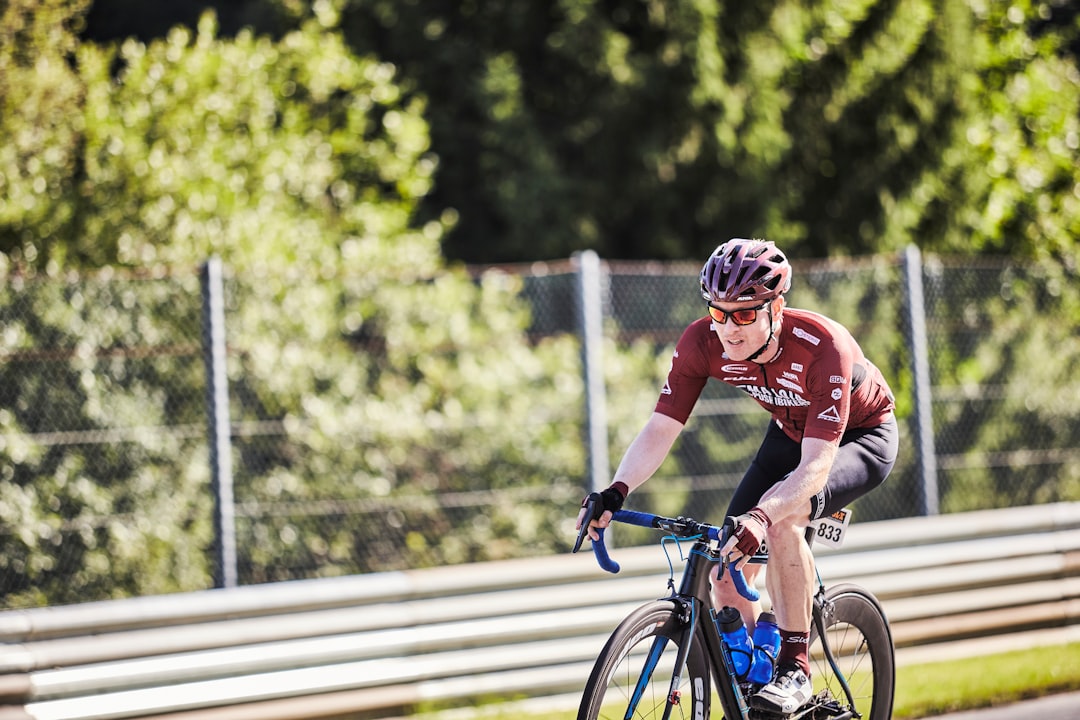
Photo by Nicholas MacGowan von Holstein on Unsplash.
Feature flags let developers ship code without showing every new coaching tool to every rider at once. That split matters because coaching is not just screen design; it shapes the next choice you make before, during, and after a ride.
When a new tool is behind a flag, you may see it while your riding partner does not. The training system around you can change in small steps, much like how coach memory keeps context across months instead of resetting each week.
The flag does not make you fitter on its own. It changes the advice, cue, or view that sits between your data and your next decision. In N+One terms: a feature flag is a dimmer switch on one part of your training system, not a full reboot.
A feature flag is a dimmer switch on one part of your training system, not a full reboot.
Most rider-facing changes are small but useful. You might see a new cue during a workout, a clearer recovery note, or a different way to frame tomorrow’s session.
Some flags appear only on certain devices, workout types, or rider segments. That is why a new prompt may show up during an interval ride, then disappear during an easy spin the next day.
The most visible flags tend to affect workflow. They may change how tomorrow’s workout gets built, how a post-ride note is worded, or how a training block is shown.
Watch for new in-ride cues during pacing, cadence, or effort changes.
Check post-ride summaries for new metrics or rewritten coaching notes.
Note if test workouts, warm-ups, or prompts appear only on some days.
Data analysis is free, forever. The Dynamic Coach is Pro. Connected to Garmin, Strava, Whoop, and intervals.icu.
One tactical email with training ideas and product updates. No spam — unsubscribe anytime.
Feature flags reduce risk by decoupling deployment from release; they let you enable new coaching tools for controlled cohorts.
A feature-flagged tool changes the information you receive. That can shift whether you rest, ride longer, hold back, or accept a harder workout than planned.
The tool does not change your physiology directly. It changes the inputs to your decision system, and those choices can then alter training load, recovery time, and day-to-day feel.
This is why you should judge new coaching tools by behavior as well as interface polish. A clear cue can support better pacing, while a poorly timed cue can make a simple workout feel noisy. The same logic sits behind ride-by-ride feedback loops, where each session helps shape the next call.
Track whether new cues change perceived effort or pacing choices.
Notice if new goals make you accept more or less planned load.
Log whether prompts change actions during rides, such as fueling or easing off.
Keep the flag judged by the choices it changes, not by novelty.
The threshold did not vanish; the inputs around load and recovery changed, so the output can move.
Keep reading
- The N+One Race Plan Module: How the App Builds a Pacing Strategy for Your A‑Race — See how the N+One Race Plan Module turns training history, race details, and recent form into one pacing strategy for your A-race.
- How N+One Builds Your Weekly Cycling Plan: From Goals to Daily Workouts — A practical, source-cautious outline of how N+One can turn goals, availability, recent rides, and recovery notes into one clear weekly cycling plan.
- N+One Workout Compliance Score: What It Measures and Why It Is Not the Whole Story — Learn what the N+One Workout Compliance Score measures, what it misses, and how to use it with recovery context to make one clear training adjustment.
When a new coaching feature reaches you, protect the week from noise. Keep the effort targets you trust, but trim total ride time for a short test window.
Use the same yardsticks you already know: session completion, perceived effort, sleep notes, and willingness to train again. That keeps the rollout tied to your body’s signals instead of a new screen’s first impression.
If the feature helps you make steadier choices, fold it into your normal flow. If it raises friction, scale back and use familiar tools such as your weekly training review before you change the whole plan.
Keep your normal intensity targets for planned sessions.
Trim total ride time for one protected test week.
Compare effort, sleep notes, and completion against your usual pattern.
Keep the feature if signals stay steady; scale back if friction rises.
A clean test lets the new tool earn trust before it shapes more training.
Day 0 — Baseline: Write down your usual weekly ride time, normal session targets, perceived effort, and recent sleep notes. If the feature is opt-in, turn it on and use the app as prompted.
Days 1–7 — Protected test week: Keep the same intensity targets for planned sessions, but cut total ride time by about one fifth. Log perceived effort and sleep each night, and follow the new cues without changing your target zones mid-interval.
Day 8 — Reassess: Compare completion, perceived effort, and sleep notes with your baseline week. If the week felt worse, trim volume again or disable the feature if that option exists. If signals stayed steady, resume normal volume while keeping the new cues.
Feature flags let coaching tools reach small groups first, so changes feel gradual, measurable, and reversible. Your next move is to keep familiar intensity targets, protect the first test week, and judge the new feature by whether it helps you make steadier training decisions.
You may be in a pilot cohort or targeted rollout group. That does not mean your plan is better or worse; it means the feature is being tested with a smaller group first.
No. Keep your core targets steady for the first test week, trim total volume, and watch whether perceived effort, sleep notes, and completion change.
Treat that as useful feedback. Scale back the feature if you can, or rely on your familiar workout targets while you track whether the distraction fades.
They can affect the advice you see, so avoid making last-minute race-week changes from a new prompt alone. Use your known pacing plan and review the new tool after the event.