Pushing Structured Workouts to Garmin from N+One: Setup and Failure Modes
5 min read
A conservative setup and troubleshooting guide for pushing structured workouts from N+One to Garmin Connect and fixing common sync failures.
On this page
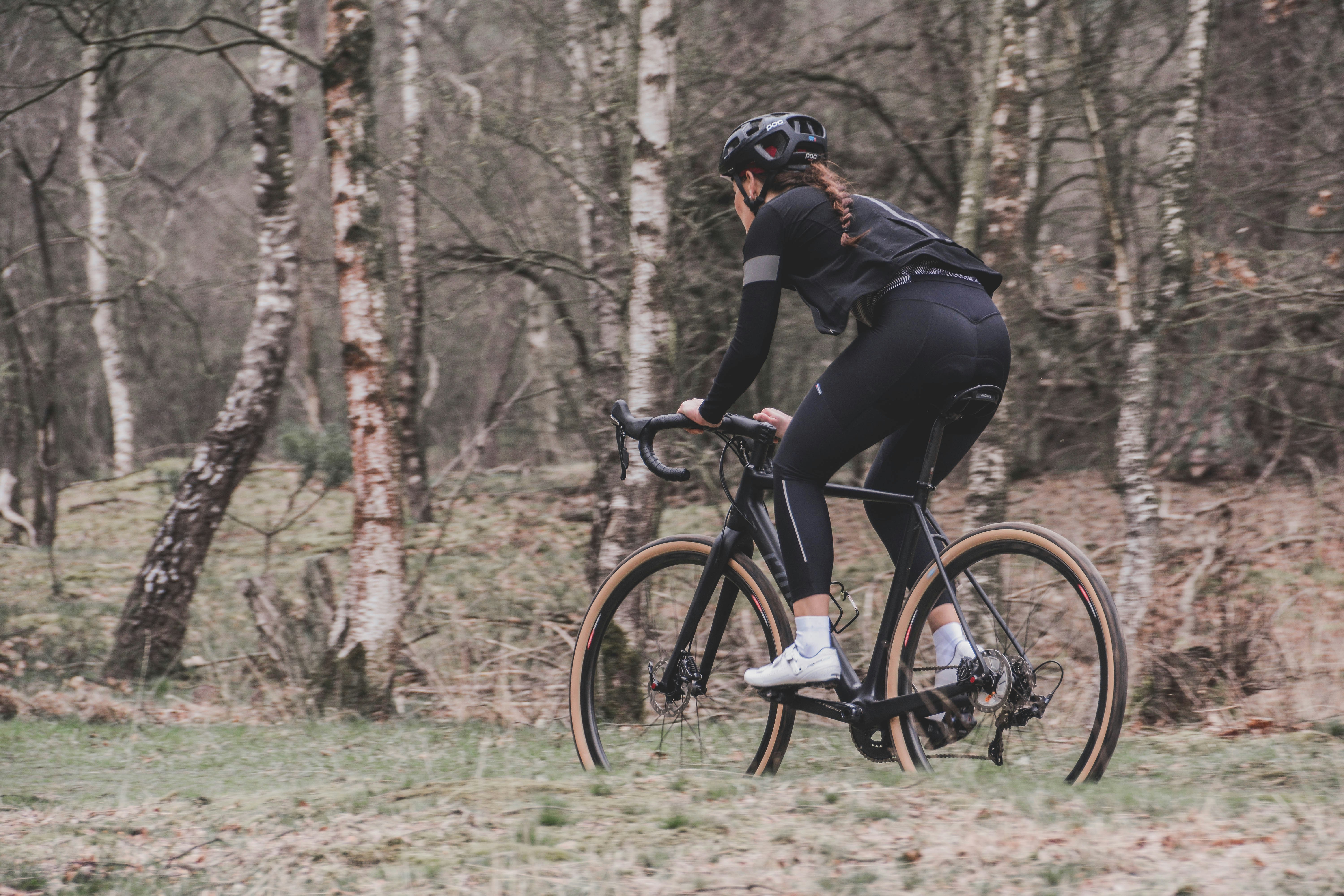
Photo by Coen van de Broek on Unsplash.
Uncertain: PubMed search returned no exact N+One to Garmin push guide. Your next move is to verify the OAuth link, then push one short test workout.
This guide is conservative because the grounded source list does not include product documentation for this exact N+One to Garmin workflow. It uses common app-integration patterns and flags uncertainty where the source base is thin.
Pushing a workout from N+One to Garmin should turn a planned session into steps your device can guide. The likely path is N+One to Garmin Connect, then Garmin Connect to your watch or head unit.
The payoff is simple: fewer cues to remember, cleaner interval timing, and less drift between the plan and the ride. If your rides also flow back afterward, check Garmin Edge auto-sync setup so completed files land where you expect.
This article avoids claims that need product docs we do not have in the source set. Use it as a safe workflow for setup, testing, and fault-finding.
In N+One terms: keep the plan clear, then make the device carry the cues during the ride.
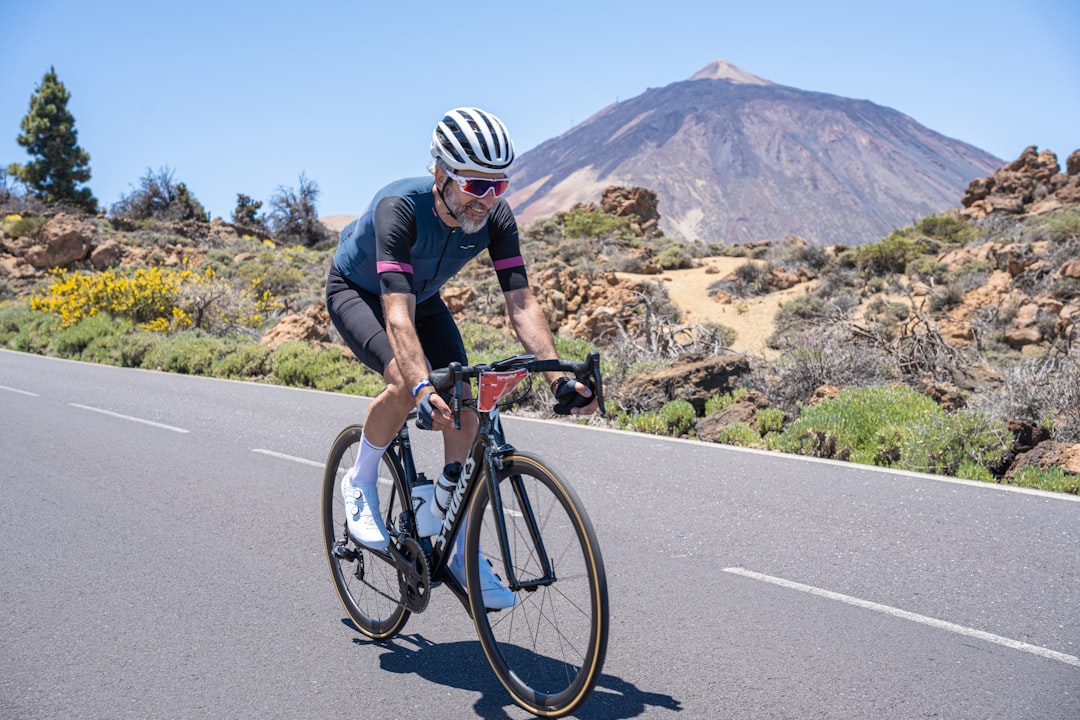
Photo by Ismael Rodríguez Martín on Unsplash.
Before setup, make sure the basics are clean. You need an active N+One account, a Garmin Connect account, the Garmin Connect mobile app, and a device that supports structured workouts.
Use the same Garmin account that is paired to your device. Account mismatch is one of the most common ways a push can look successful while nothing shows on the watch.
Keep your phone or desktop online while you link accounts and run the first sync. If you are still setting up N+One, start with your first N+One account walkthrough before adding device links.
Have an active N+One account and one saved structured workout.
Install Garmin Connect and sign in to the device’s Garmin account.
Check that your Garmin device supports imported structured workouts.
Update device firmware before your first push.
Keep your phone or computer online during setup.
I could not locate PubMed-indexed sources specifically describing N+One → Garmin workout pushes; I’m flagging uncertainty.
Data analysis is free, forever. The Dynamic Coach is Pro. Connected to Garmin, Strava, Whoop, and intervals.icu.
Start with a short test workout, not your key race-week session. A short file cuts noise and helps you see whether the account link, file handoff, and device sync all work.
In N+One, open the workout, choose the export or connected-apps path, then select Garmin Connect. If Garmin asks for consent, finish the OAuth screen with the account linked to your device.
After sending, open Garmin Connect and force a sync. On the Garmin device, look under Training, Workouts, Imported, or My Workouts, since labels can vary by model.
If you also use other data links, keep them separate while testing. For example, Apple Health workout imports and Strava power-data checks are different flows from this Garmin push.
Open the target workout in N+One.
Choose export or connected apps, then Garmin Connect.
Authorize Garmin if the consent screen appears.
Send the workout, then open Garmin Connect.
Force sync and check the device workout list.
If you want day-to-day guidance without second-guessing, let N+One translate your latest training and recovery context into one clear next decision.
Most push failures sit in four buckets: permissions, account mismatch, workout format, or sync delay. Treat them in that order, because permissions and account checks are quick to rule out.
If Garmin authorization was revoked, reconnect from N+One and complete the consent screen again. If the wrong Garmin account was used, disconnect and relink with the account paired to the device.
Format issues tend to show up when a workout uses steps the device cannot parse. Simplify the workout to warmup, repeat blocks, and cool-down before chasing deeper device faults.
If sync lag is the only issue, wait briefly, force a Garmin Connect sync, then restart the watch. For broader connection checks, use the N+One integrations overview to keep each app link clear.
Reconnect Garmin if authorization was revoked.
Match the Garmin email to the device owner account.
Remove nested or uncommon workout steps.
Update app and device firmware.
Force sync, then restart the watch if needed.
Your threshold did not disappear; the training system around it drifted, so fix the handoff before changing the plan.
In N+One terms: the plan can be sound while the handoff path needs repair.
One tactical email with training ideas and product updates. No spam — unsubscribe anytime.
Keep reading
- How N+One Builds Your Weekly Cycling Plan: From Goals to Daily Workouts — See how N+One turns your cycling goal, recent training, and recovery signals into one weekly focus, daily workouts, and adaptive plan changes.
- Switching from TrainerRoad or TrainingPeaks to N+One: A Migration Checklist for Cyclists — Move from TrainerRoad or TrainingPeaks to N+One with a clear checklist: export files, map settings, import workouts, validate data, and run a 7-day t...
- Comparing Two Workouts Side‑by‑Side in N+One: A Cyclist Walkthrough — Step through a focused side-by-side comparison of two rides in N+One, compare the same metrics, check context, and choose one clear next move.
When a workout does not appear, do not rebuild the whole system first. Run a short, fixed check so you can find the break without adding new variables.
Start with the Garmin account, then reauthorize N+One, then update Garmin Connect and device firmware. Next, push a stripped workout with one simple block and watch the sync queue.
If numbers or files later look stale inside N+One, that is a separate import issue. Use a targeted N+One re-sync rather than changing the Garmin push setup.
Confirm the Garmin account matches the device account.
Reauthorize Garmin from N+One.
Update Garmin Connect and watch firmware.
Send one simple workout again.
Restart phone and device, then sync.
A workout can show on the device and still behave differently during the ride. That usually points to target type, interval order, or device settings rather than a failed push.
Preview the full workout on the device before rolling out. If short transition steps collapse or targets look odd, edit the workout in N+One and resend a cleaner version.
Device features may also change how the session feels. Auto Pause, Auto Lap, or smoothing settings can shift what you see, even when the workout file arrived.
If you use more than one screen or companion app, keep login state consistent across devices. The multi-device login guide can help reduce account drift.
Use standard time, power, or heart-rate targets.
Preview step order before starting the ride.
Disable settings that alter interval timing.
Lengthen very short transition steps.
Resend the clean version and test again.
Keep intensity and remove ambiguous steps so the device can carry your plan reliably.
Day 1 — Authorization and short test workout: Authorize Garmin in N+One, pick a short interval workout with simple targets, push it, force a Garmin Connect sync, and confirm it appears on the device.
Day 2 — Firmware and app hygiene: Update Garmin Connect and your watch firmware. Re-send the same short workout and confirm it still appears and previews correctly on the device.
Day 3 — Full planned session: Push the planned structured ride for the week. Before starting, preview intervals on the watch and use the warmup to verify targets are tracked.
Day 4 — Failure simulation and fix: Add one nonstandard element to a copied test workout, push it, observe the result, then simplify the workout and resend.
Day 7 — Review and standardize: Audit workouts you plan to push often. Standardize templates around supported target types and export settings so future pushes are routine.
Uncertain source coverage means you should test the link, not assume it. Confirm the OAuth connection, push one short workout, force Garmin Connect to sync, and only then move to full sessions.
The provided grounded source is a PubMed search, and it does not document this exact N+One to Garmin workout-push flow. So the guidance stays narrow and practical.
Check that N+One is authorized to the same Garmin Connect account paired to your device. Then force a Garmin Connect sync before changing the workout.
No. Use one short, simple workout first. That makes it easier to see whether the link, format, or device sync is the problem.
Preview the workout on the device and simplify target types or very short steps. Also check Auto Lap, Auto Pause, and smoothing settings before you blame the push.
ChatGPT for your training — connected to your wearables.