Power Meter Pairing Conflicts: ANT+, Bluetooth, and Dual-Recording Pitfalls
5 min read

Power meter pairing conflicts can create duplicate files, dropouts, and mismatched watts. Learn how to use one recorder, one protocol, and one clean file.
On this page
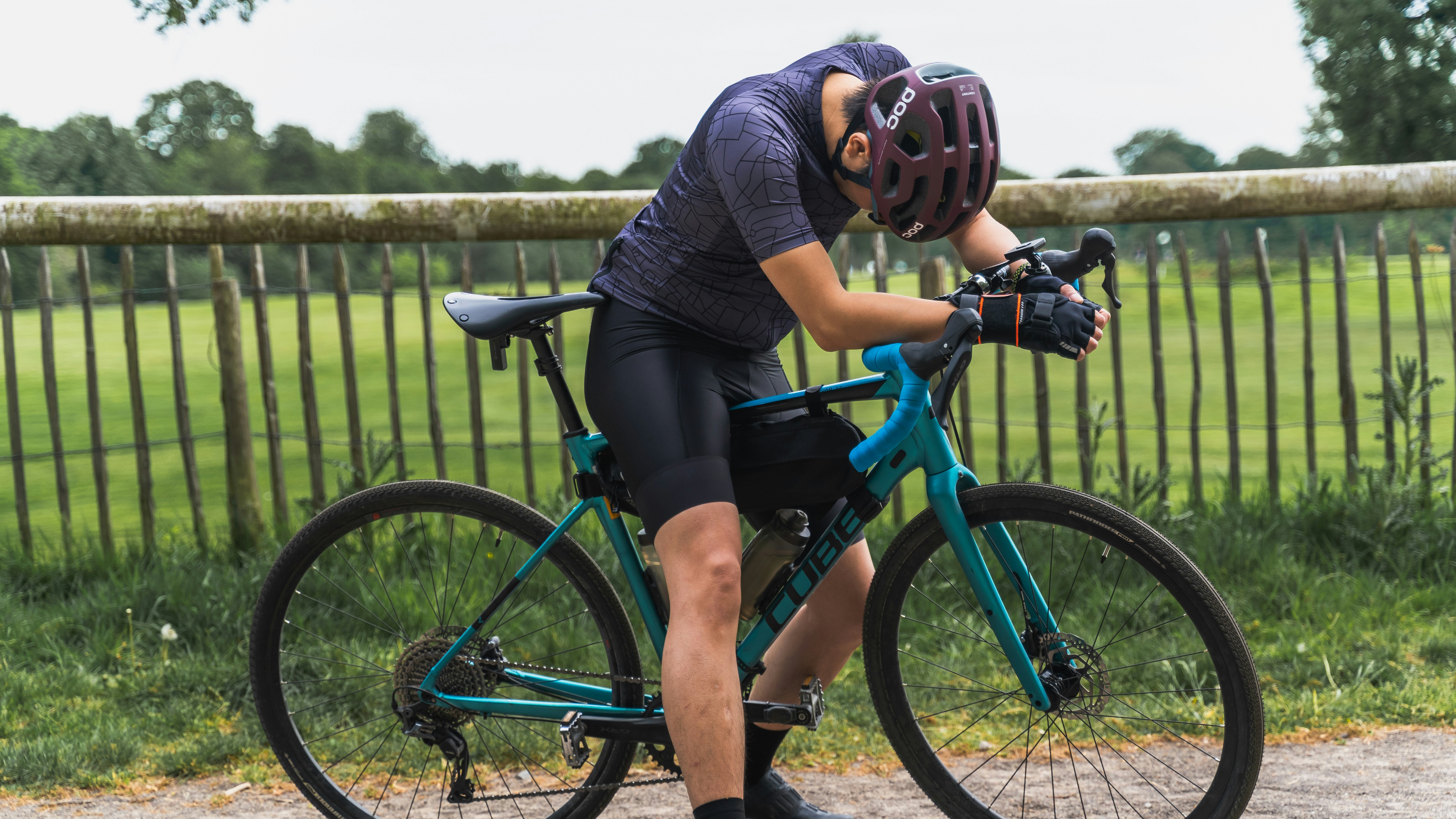
Pairing conflicts happen when one power signal reaches too many recorders. Pick one recorder, one protocol, then check one clean file.
Modern power meters can send data over ANT+ and Bluetooth LE, while head units, phones, watches, and trainer apps may all try to listen. The safest setup is simple: one recorder owns the ride, and every other device stays passive.
Photo by Caleb Minear on Unsplash.
A power meter does not write your training file by itself. It sends messages, and your head unit, phone app, or trainer platform logs those messages with its own clock.
ANT+ is built around broadcast listening, so more than one receiver can often see the same sensor. Bluetooth LE is often more tied to a paired connection, though exact behavior depends on the device and firmware.
Trouble starts when more than one recorder turns the same ride into a file. Two files may look close, but small clock, device ID, or source differences can make later analysis noisy.
If a synced activity looks wrong, first check whether two platforms imported different files. The same habit applies when you are matching Strava and Garmin power after one ride.
Choose one device to record power.
Pair the meter there first.
Keep phones and watches passive.
Do not start a second power file mid-ride.
One clean source keeps the ride file close to the work you did.
In N+One terms: the training signal is only as clean as the recording chain that feeds it.
The most common outdoor case is a head unit paired to the meter while a phone app also connects in the background. The live screen may look fine, yet the uploaded file can show gaps, duplicate records, or odd source changes.
Indoor rides add another layer because a smart trainer may report its own power while an external meter reports pedal or crank power. If both are logged, your file may mix two sources that were never meant to be merged.
A second head unit can also create confusion after a group ride, test ride, or borrowed bike setup. Clear old device bindings before you trust a new pairing.
When duplicate files land in your account, solve the import problem before you judge the session. Use one ride from multiple sources as a clean-up step, not a fitness test.
Look for long zero-power gaps.
Check for two uploaded ride files.
Scan for source changes in the file.
Keep the file from the planned recorder.
Multiple receivers can pick up the same power meter via ANT+ and Bluetooth LE, producing duplicate or inconsistent files.
Data analysis is free, forever. The Dynamic Coach is Pro. Connected to Garmin, Strava, Whoop, and intervals.icu.
There is no universal best protocol for every bike, head unit, and trainer. The right choice is the one that gives your primary recorder a stable, single-source file.
For many multi-display setups, ANT+ can be useful because several receivers may listen to one broadcast. For simple phone-led or app-led sessions, Bluetooth LE may be the cleaner path if only one device records.
Do not switch protocols mid-session unless you are fixing an obvious dropout. A broken ride file is harder to read than a boring setup that works every time.
If your power numbers still look wrong after a clean setup, try forcing a fresh power resync before you change training targets.
Use one protocol for the ride.
Do not pair both radios to one recorder.
Keep the same setup for key tests.
Write down the setup that worked.
In N+One terms: pick the signal path first, then read the training output.
Run this check before an interval day, late-season race, or indoor trainer session where the file matters. It should feel dull because dull setup work protects good training data.
Wake the meter, pair it to the primary recorder, and confirm live power and cadence before you roll. Then open other devices and make sure they are not also logging the same sensor.
Use a short warm-up as a systems test, not as a judgment on your legs. If the display drops, spikes, or loses cadence, stop and fix the connection before the main work.
For setup detail across apps, keep power sensor pairing expectations close to your device notes. If trainer targets differ indoors, also check trainer calibration across settings.
Choose the authoritative recorder.
Confirm power and cadence fields.
Close background phone apps.
Spin easy and watch for drops.
Start recording before the session begins.
Reduce redundant inputs so the training signal stays clean.
One tactical email with training ideas and product updates. No spam — unsubscribe anytime.
Keep reading
- Garmin Activity Privacy and N+One: Public, Followers‑Only, and Private Sync Behavior — No supplied PubMed source confirms Garmin privacy sync behavior. Use this N+One protocol to test Public, Followers‑Only, and Private before relying o...
- Backdating a Manual Ride in N+One: Preserving Your Training Stress History — Learn how to backdate a manual ride in N+One, set the correct past date and time, add duration and intensity, and verify your training history.
- Sync Latency in N+One: How Long After You Hit Stop Until Your Coach Sees It — No peer-reviewed source gives an exact N+One sync latency number. Learn what can delay coach visibility and the one manual resync test to run now.
Dual recording can be useful when you are testing devices, but it should not be your normal setup. Most riders need one file they can trust, not two files they must explain.
Before the ride, decide which file will count. If your head unit is primary outdoors, let the phone or watch record route, audio, or safety data without logging power.
For indoor work, decide whether the trainer controls resistance, reports power, or only follows a meter-based target. Mixing roles without checking settings can make the file hard to read later.
After sync, verify that the right platform imported the right source. The same post-ride check fits activity imports with power data, especially after key workouts.
Pick the file you will keep before riding.
Disable logging on backup devices.
Do not merge files unless you must.
Name test files clearly.
Delete duplicates only after checking them.
In N+One terms: make one source authoritative, then treat all other files as context.
If the problem stays after one sensor and one recorder, move from pairing hygiene to device hygiene. Check firmware, restart the recorder, wake the meter again, and repeat the minimal test.
Do not assume the power meter is bad because one ride file failed. A phone app, head unit cache, old device ID, or trainer setting can cause the same symptom.
Use a factory reset only after you have saved settings you still need. It can clear stuck pairings, but it also adds setup work before your next ride.
If dropouts repeat in the same minimal setup, collect timestamps and device details for vendor support. If zero-offset behavior seems suspect, review practical calibration checks before replacing hardware.
Test one sensor with one recorder.
Update firmware where available.
Reboot before re-pairing.
Clear old device IDs if needed.
Escalate with timestamps and setup notes.
Stay narrow, test the chain, then change only the part that fails.
Decide the authoritative source before you start: choose the head unit, trainer, or phone app that will be the single recorded source for power.
Configure every secondary device so it does not actively record power. If passive or no-log mode is not available, disconnect that power sensor there.
Pair the chosen power sensor to the authoritative device, then confirm live power and cadence during an easy warm-up with one short lift in effort.
Ride with the same setup you tested. If you see sudden drops or spikes during a key effort, stop, re-check connections, and resume cleanly.
After syncing, inspect the exported file for one continuous power stream. If issues remain, repeat the test with one sensor and one recorder, then share timestamps with support.
Pairing conflicts happen when one power signal reaches too many recorders. Your next move is simple: choose one recorder, choose one protocol, make every other device passive, then verify one clean file before you trust the ride.
You can, but treat that as a test setup. For normal training, choose one file as authoritative before the ride so later analysis does not mix sources.
No. ANT+ often works well when several receivers need to display the same sensor, while Bluetooth LE can be cleaner for one paired recorder. Choose the setup that keeps one stable file.
Not necessarily. The meter may send good data while the recording chain creates gaps, duplicates, or source changes. Test one meter with one recorder before blaming the hardware.
Clear pairings when dropouts keep coming back after a normal re-pair. Remove the meter from all devices, reboot them, then pair only the primary recorder first.