Indoor vs Outdoor Training Data: Understanding the Indoor–Outdoor Power Difference
8 min read

Indoor and outdoor cycling power often disagree. Learn how to run a controlled comparison, find your power gap, and adjust training targets without overreact…
On this page
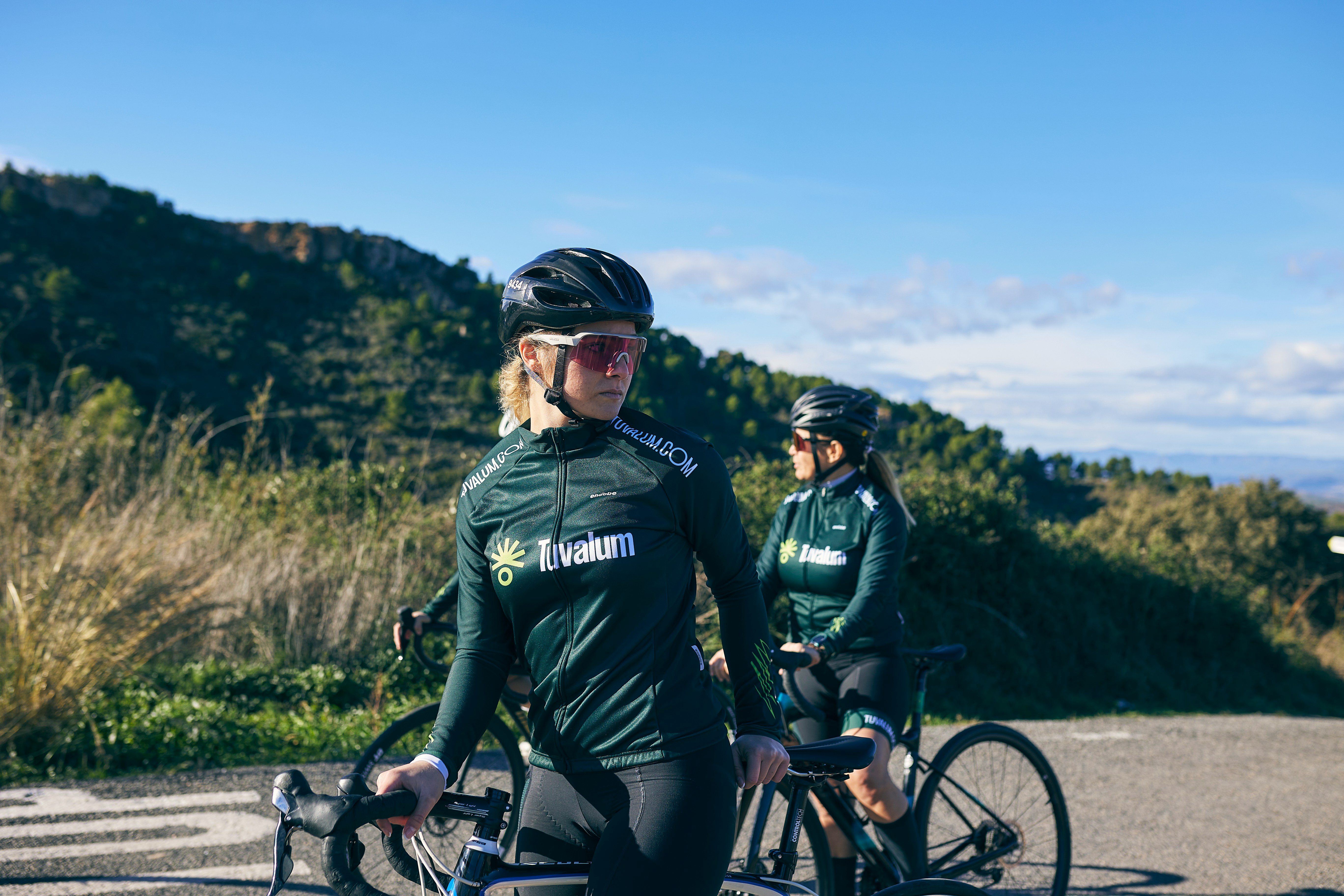
You can measure your own indoor-to-outdoor power gap with one controlled test, then use that ratio to set cleaner training targets.
I cannot fetch the PubMed results from the supplied search link, so this refresh does not claim specific study findings from that query. The practical promise stays narrow: control the test, compare like with like, and avoid changing thresholds from one noisy ride.
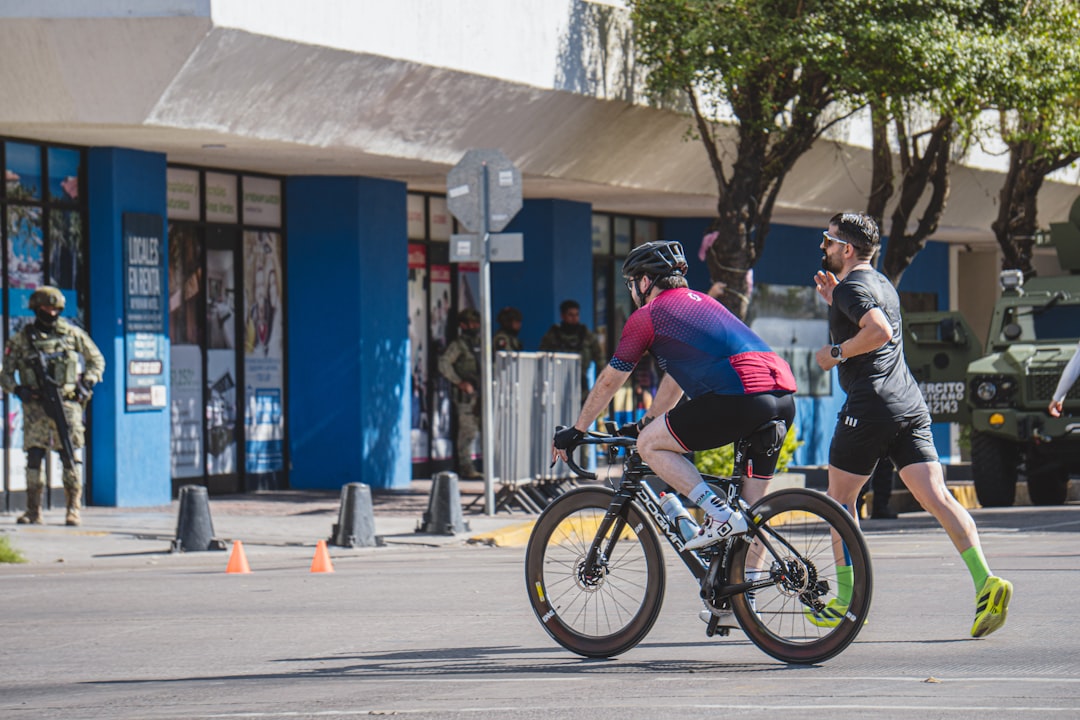
Photo by RETRATO DEPORTIVO on Unsplash.
Indoor and outdoor power can disagree even when your fitness has not changed. The number comes from a system: rider, bike, device, surface, air, gearing, and pacing.
Indoors, resistance is fixed and coasting almost vanishes, so short efforts may look cleaner. Outdoors, wind, turns, braking, small descents, and traffic can make the same target power far less steady.
This does not make one file true and the other false. It means you should read the context before you change zones, especially when comparing average and normalized power.
Treat indoor and outdoor files as related, not identical.
Compare steady efforts before changing your threshold.
Check device source before blaming fitness.
Log fan use, route, gearing, and cadence.
In N+One terms: your threshold did not vanish, because the testing inputs changed.
Your threshold did not disappear; the testing environment shifted the inputs to that estimate.
First split the problem into two buckets. One bucket is measurement: a smart trainer, pedal meter, crank meter, or wheel-based setup may not report the same power.
The second bucket is ride context. Cooling, position, cadence, and pacing can change how hard a given wattage feels, but the supplied source does not support exact physiological claims.
Start with the easy checks before you infer anything deep. Pair your head unit, trainer app, and bike meter carefully, then use calibration habits for reliable watts before any test.
If the devices agree but the ride still feels different, look at cadence and torque patterns. Pedal smoothness and side balance can help you see whether the work changed, not just the number.
Use one primary power source when possible.
Warm up devices before key tests.
Zero-offset the bike meter before testing.
Record which device set the workout target.
I couldn’t access the supplied PubMed query, so I won’t make unsupported literature claims.
Data analysis is free, forever. The Dynamic Coach is Pro. Connected to Garmin, Strava, Whoop, and intervals.icu.
The cleanest test is simple: same bike, same power source, same warm-up, same cadence aim, and two steady efforts close together. Do not compare a calm trainer test with a gusty group ride.
Use a route that lets you pedal without many stops. A flat loop or steady climb works better than rolling roads with braking, turns, and long freewheels.
Keep the test goal plain. Ride a hard, steady twenty-minute effort indoors and outdoors, then compare the average power from both files and the feel of each effort.
After each file, scan more than the headline wattage. Cadence trends across the workout and pacing quality across each half show whether the effort was truly comparable.
Use the same bike and meter if possible.
Match tyre pressure and gearing notes.
Repeat the same warm-up both days.
Pick a low-traffic route with little coasting.
Compare at least two paired efforts.
In N+One terms: standardise the inputs, and the outputs will align closer.
Standardise the inputs, and the outputs will usually sit closer together.
One tactical email with training ideas and product updates. No spam — unsubscribe anytime.
Keep reading
- Pedal Smoothness and Left–Right Power Balance: What Cyclists Should Actually Track — Learn when pedal smoothness and left-right power balance matter, how to test them cleanly, and what to track before changing your cycling plan.
- Data engineering tips for cyclists — Data engineering tips for cyclists: practical steps to clean training data, prevent duplicates, and ensure time series consistency for better adaptiv...
- W' Balance and Anaerobic Capacity: Interpreting the Mental Battery Mid-Ride — W' balance estimates remaining anaerobic work during a ride. Learn how to use it for pacing, post-ride review, and one clear training adjustment.
Your next move is not to rebuild the whole plan. Keep intensity stable, reduce noise, and give the new setting enough sessions to prove the gap is real.
If indoor power is often higher, keep the interval targets but trim total load for one week while you shift outdoors. That protects quality without turning one test into a full reset.
If outdoor power is higher, set your main threshold from a controlled outdoor test and keep indoor work for repeatable intervals. Use variability index for steady rides to avoid mistaking surges for stronger threshold fitness.
When a hard workout goes sideways, read the file before you judge the athlete. Failed interval set patterns can show heat, pacing drift, or target mismatch.
Keep the current targets for the next key session.
Cut total volume slightly for seven days when switching settings.
Retest in the setting you now use most.
Do not change zones from one odd file.
In N+One terms: keep intensity and adjust the training system around you.
Keep intensity, adjust the training system around you, then reassess.
Update your training numbers only when the pattern repeats. One low indoor test after poor cooling or one windy outdoor file should not rewrite your zones.
Look for a stable ratio between environments. If indoor and outdoor results keep splitting in the same direction under matched conditions, use the setting where you do most key work.
In Northern Hemisphere summer, heat and sun can make outdoor comparisons messy. Test early, log the conditions, and avoid pairing a cool indoor room with a hot exposed loop.
The goal is not a perfect universal FTP. The goal is one clean training target that works for the next block, while deeper ride review tracks power quadrant patterns on climbs and sprints.
Change thresholds only after repeated matched tests.
Log heat, wind, route, device, and time of day.
Use the dominant training setting for current targets.
Review again after a short block of steady sessions.
Day 1 — Baseline indoor standard test: Do a steady warm-up, then ride a hard, sustained twenty-minute effort. Use the power source you normally trust, note fan use, room feel, gearing, cadence, and perceived cooling.
Day 3 — Baseline outdoor controlled test: Repeat the same warm-up and twenty-minute effort on a flat, low-traffic loop at a similar time of day. Use the same meter if it is portable, and avoid drafting or coasting.
Days 5–7 — Two controlled sessions and assessment: Do one indoor and one outdoor workout with the same cadence aim and effort target. Compare the test files, not just the best few minutes.
Day 14 — Confirm and update: If the split persists under matched conditions, set active targets from the environment where you do most key sessions. Keep the other setting as a known correction, not a new identity.
Indoor and outdoor data are both useful, but they are not interchangeable without context. Measure your own indoor-to-outdoor power gap with one controlled test pair, keep the same power source when possible, and update targets only when the pattern repeats.
Not always. The number may differ because the device, cooling, pacing, route, and resistance pattern changed. Treat each FTP as a context-specific estimate until repeated tests show a stable gap.
Use the power source and setting that drive your key sessions. If most quality work is indoors, anchor indoor targets there. If racing and key intervals are outside, confirm targets outdoors.
You can compare them, but do not assume they match. Run both during the same ride when possible, check calibration, and keep notes on which device set the workout target.
First check cooling, fan setup, cadence, and gearing. If those are stable and the pattern repeats, use your measured indoor-to-outdoor ratio rather than forcing one setting to match the other.